Do I need a professional platform to start day trading? Not necessarily — a professional platform helps, but many beginners can start day trading with reliable trading software and a well-configured trading account from brokers like Pocket Option, Quotex, or Olymp Trade.
Day trading has migrated from institutional trading floors to home setups, thanks to fast internet, affordable computers and user-friendly investment platforms. Beginners now face a pragmatic choice: launch with an accessible platform that provides essential trading tools and a sandbox to learn, or invest in a professional platform that speeds execution, gives deeper market analysis and advanced order types. The right path depends on the chosen market, the chosen trading strategy and the appetite for technical complexity. This piece maps the trade-offs, highlights hardware and software essentials, and shows how a fictional novice—Alex—progresses from demo trades to live intraday setups on Pocket Option, Quotex or Olymp Trade. Practical checklists, compact comparison tables and real-world examples help clarify when a professional platform becomes a necessity rather than a luxury. Read on to understand what truly moves the needle for consistent day trading in modern financial markets.
When a professional platform matters for day trading: speed, depth and reliability
Deciding whether to use a professional platform depends on the scale of activity and the chosen market. For high-frequency intraday plays, advanced order routing and ultra-fast execution matter. For learning price action or testing simple momentum setups, an accessible investment platform can suffice.
- Speed needs: professionals value low-latency execution and direct routes to exchanges.
- Market depth: Level II quotes and depth-of-book data help with supply/demand reads.
- Reliability: redundant internet and UPS systems reduce operational risk.
- Cost-benefit: professional platforms often have fees that only pay off with sufficient volume.
| Feature | Accessible platform | Professional platform |
|---|---|---|
| Execution speed | Good for retail pace | Optimized / low latency |
| Market data | Basic real-time charts | Level II, time & sales |
| Order types | Standard orders | Advanced, hotkeys |
| Costs | Often commission-free | Commissions / subscription |
Example: Alex spots momentum in a small-cap stock; a professional platform would reveal bids at multiple price levels and allow a hotkeyed exit to reduce slippage. For many beginners, that insight is useful but not always essential. Key insight: choose a professional platform when execution quality and market depth materially affect profits.
How to start day trading with accessible trading software and a broker
Starting with approachable trading software shortens the learning curve. Accessible platforms offered by brokers like Pocket Option, Quotex and Olymp Trade provide demo accounts, built-in charting and simple order entry — ideal for learning a trading strategy and building discipline without large upfront costs.
- Demo accounts: practice live market routines without risking capital.
- Built-in charting: basic indicators (moving averages, RSI, MACD) for initial market analysis.
- Education resources: tutorials, webinars and strategy guides embedded in the platform.
- Mobile readiness: apps allow monitoring trades throughout the trading day.
| Metric | Beginner-friendly platform | Why it matters |
|---|---|---|
| Demo mode | Yes | Safe environment to test setups |
| Chart tools | Core indicators | Essential for entry/exit decisions |
| Support | Chat / tutorials | Faster problem resolution |
| Costs | Low / zero commissions | Preserves capital when starting |
Practical note: compare platform guides before committing — read objective reviews and compatibility notes using resources like this guide to the best free platform (what-is-the-best-free-platform-for-day-trading) and the compatibility page for MT5 (can-i-day-trade-on-metatrader-5). Also check a platform’s charting suitability (is-tradingview-good-for-day-trading) before building live risk. Key insight: start with accessible trading software to master your strategy, then upgrade as needs demand.
Essential trading tools, hardware and account setup for practical day trading
Successful day trading is as much about tools and setup as about ideas. A modest rig and the right account type reduce technical friction and support disciplined execution across the stock market or other venues.
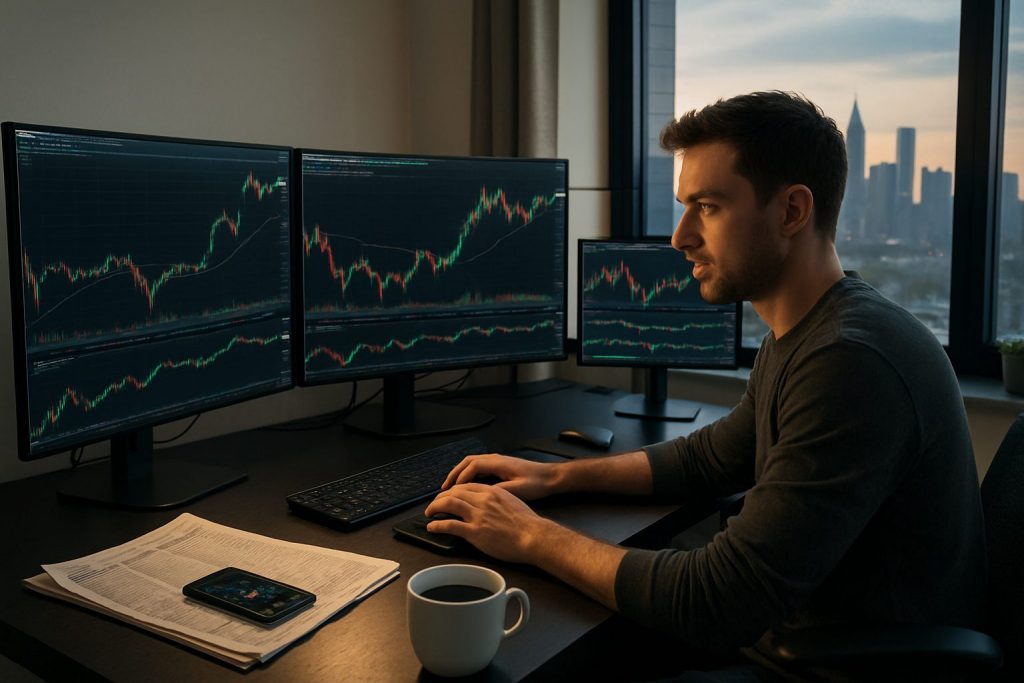
- Hardware: a 2.8 GHz quad-core CPU and 16 GB RAM are recommended minimal specs for smooth charting and multi-window workflows.
- Connectivity: reliable high-speed internet with a backup connection and surge protection.
- Order tools: hotkeys, one-click sizing and cancel-all functions reduce execution risk.
- Account choice: demo or beginner investment platform accounts are fine to start; upgrade to accounts with better margin and routing when strategy requires.
| Component | Beginner setup | Pro upgrade |
|---|---|---|
| CPU / RAM | 2.8 GHz quad-core / 16 GB | Faster CPU / 32+ GB |
| Monitors | 1–2 | 3+ for multi-chart view |
| Data | Real-time delayed feeds | Realtime Level II & news feed |
| Backup | Basic surge protector | UPS + secondary ISP |
For deeper research on platform suitability across asset classes, consult specialist pages such as compatibility with MetaTrader 4 (can-i-day-trade-on-metatrader-4) or the viability of crypto platforms (is-binance-good-for-day-trading-crypto) — even if the final broker choice remains Pocket Option, Quotex or Olymp Trade. Proper hardware and order tools reduce execution errors and emotional strain. Key insight: invest in basic redundancy and efficient order tools before scaling trade size.
Practical checklist to decide whether to upgrade to a professional platform
Every upgrade should be justified by measurable benefits: less slippage, faster fills, or analytics that improve win-rate. Use the checklist below to make that call.
- Trade frequency: more trades per day increase the value of lower latency.
- Slippage cost: track average slippage; if it exceeds commissions, consider pro routing.
- Strategy dependence: strategies needing Level II or order flow require professional tools.
- Budget vs benefit: compare subscription and commission costs versus expected edge.
| Decision factor | Indicator to upgrade |
|---|---|
| Execution quality | Frequent missed fills or high slippage |
| Data needs | Requires Level II / tape reading |
| Volume | High daily trade volume |
| Toolset | Backtesting / hotkeys / advanced analytics |
Before upgrading, simulate the cost/benefit using a demo or small live account. For platform selection advice and compatibility reads, consult resources such as platform suitability guides (what-is-the-best-trading-platform-for-beginners) and offshore considerations (can-i-day-trade-with-offshore-brokers). Key insight: upgrade only when the platform’s advantages clearly raise expected net returns or materially lower operational risk.
Common questions about starting day trading
Is a professional platform required to learn day trading?
No — many traders learn effectively using demo accounts and accessible trading software from brokers like Pocket Option, Quotex or Olymp Trade. A professional platform becomes important when speed, market depth and advanced analytics are essential to the chosen strategy.
What trading tools should a beginner prioritize?
Prioritize a stable trading account, reliable charting tools (moving averages, RSI, MACD), a fast internet connection and a simple hotkey setup. These basics enable focused practice of a single trading strategy before adding complexity.
How much hardware is needed for day trading?
A modern laptop or desktop with at least a 2.8 GHz quad-core CPU and 16 GB RAM, one or two monitors and a UPS/surge protector is sufficient to begin. Upgrade hardware only when multi-screen workflows or heavy backtesting demand it.
Where can one compare platforms and compatibility?
Use platform comparison and compatibility guides to weigh charting, data feeds and order routing. Helpful pages include platform reviews and compatibility notes such as is-tradingview-good-for-day-trading, can-i-day-trade-on-metatrader-5 and specific platform guides (what-is-the-best-free-platform-for-day-trading).
Can crypto platforms be used for day trading?
Yes — but crypto markets have different volatility and liquidity profiles. For research on crypto platform suitability, consult resources like is-binance-good-for-day-trading-crypto and can-i-use-coinbase-for-crypto-day-trading while remembering the final broker choice should align with individual risk management and local regulation.

With over a decade of experience navigating global financial markets, I specialize in identifying trends and managing risk as a professional trader. My passion for economics drives my daily commitment to staying ahead in this fast-paced industry. Outside of the markets, I enjoy exploring technology like cryptocurrencies and new investment strategies.