
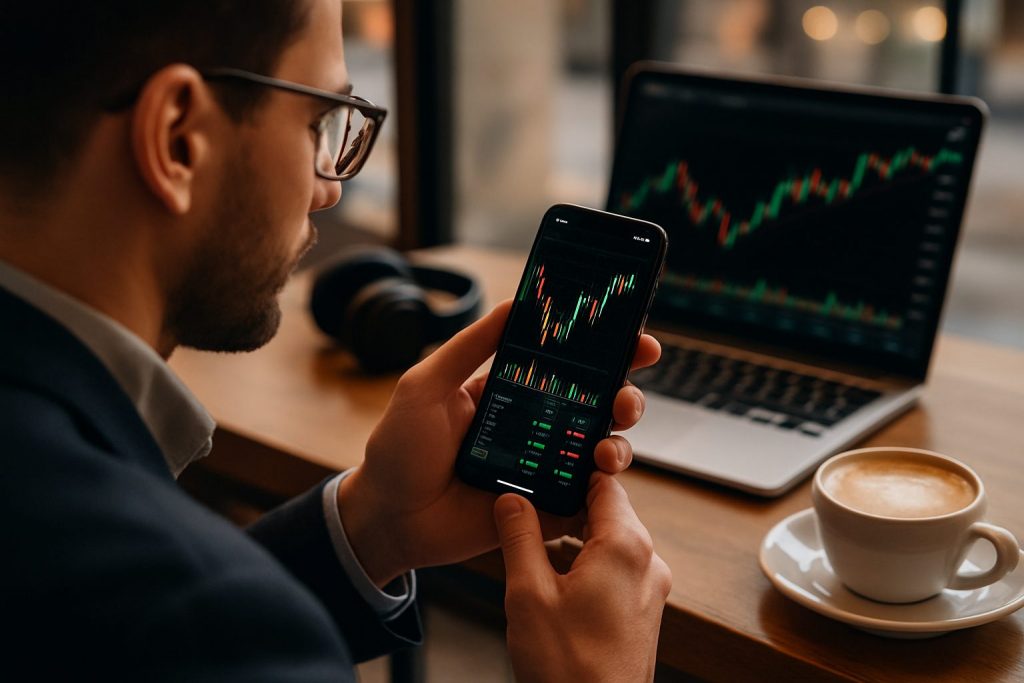
Can I day trade on my phone? Yes — you can day trade on your phone using dedicated phone trading apps and mobile trading platforms, but success depends on reliable execution, strict risk controls, and disciplined trading strategies.
Smartphones have transformed access to the financial markets, making day trading and real-time trading possible outside a desktop setup. With the right combination of fast internet, a clean mobile brokerage interface and disciplined trading strategies, active traders can read charts, place orders and manage positions from anywhere. However, mobile trading also increases exposure to impulsive trades and information overload unless the trader builds a lean routine: set watchlists, rely on a few proven indicators, and keep order types and risk limits simple. For those evaluating phone trading apps, a practical test with a demo account is essential before risking capital. This guide focuses on practical steps, recommended phone trading apps and setup tips for traders who want to pursue stock trading on phone and intraday opportunities — not intended for US residents.
Day trading on your phone: core mobile trading essentials
Day trading on a phone demands a tight technical and mental setup. A stable connection, a responsive mobile brokerage app and clear rules for entry/exit are non-negotiable. Without them, execution slippage and emotional mistakes escalate quickly in short-term trading.
- Connectivity: Prefer wired or strong 5G / Wi‑Fi with consistent latency.
- Device: Modern smartphone with ample RAM and battery life to run charts and alerts.
- App choice: Use phone trading apps that offer real-time charts, order types and alerts.
- Routine: Pre-market prep, defined trade plan, and end‑of‑day review to avoid overtrading.
| Essentials | Why it matters | Quick checklist |
|---|---|---|
| Latency & Execution | Day trades are price-sensitive; slow execution can turn winners into losers. | Ping |
| Order types | Stops, limits and OCO orders reduce manual intervention and emotional exits. | Learn OCO, stop-loss placement, and quick position close gestures |
| Alerts & News | Push alerts and news feeds support timely decisions in volatile markets. | Customize alerts for price, volume and economic releases |
Closing insight: Prioritize execution and rules over feature-rich distractions — a few reliable tools beat a cluttered app when every second counts.
Phone trading apps and trading platforms: choosing a mobile brokerage for day trading on your phone
Not all mobile brokerage apps are equal for day trading. Look for apps that combine real-time trading data, quick order entry, and clear charting. Three widely used options in international markets to consider are Pocket Option, Quotex, and Olymp Trade. Each offers mobile-friendly interfaces suited to short-term traders, but their feature sets, demo availability and supported instruments vary — so testing via a demo account is crucial before trading live.
- Try each app’s demo mode to test execution and UX without financial risk.
- Compare supported instruments if the goal is stock trading on phone vs forex or crypto.
- Check available order types and whether the app supports advanced alerts.
| Platform | Mobile strengths | Useful for | Link |
|---|---|---|---|
| Pocket Option | Simple, responsive app; demo accounts and fast trade execution UI. | Quick entries, binary-style instruments and short-term setups. | Pocket Option site |
| Quotex | Clean mobile charts, easy watchlists and demo mode for practice. | Traders seeking intuitive phone trading apps for pattern-based setups. | Quotex site |
| Olymp Trade | Polished UX with integrated education and clear risk display on mobile. | Beginners and intermediate intraday traders who value clarity. | Olymp Trade site |
Closing insight: Use the demo account on each mobile brokerage to validate performance and comfort — functional familiarity beats features that look good on a marketing page.
Practical trading strategies, risk controls and phone setup for real-time trading
Successful phone trading pairs compact trading strategies with strict risk rules. Simpler setups reduce cognitive load when using small screens. Examples include momentum breakouts, micro scalps with tight stops, and time-limited setups (only trade first hour of session).
- Momentum breakouts: Trade when price clears a clear resistance with volume confirmation.
- Micro scalping: Limit risk per trade and use market/limit combos to control slippage.
- Time-boxing: Restrict trading to specific market windows and avoid random intraday trading.
| Strategy | Phone-friendly rules | Risk control |
|---|---|---|
| Momentum breakout | One indicator (EMA) + volume spike + price candle close | Stop below breakout candle; risk ≤ 1% account |
| Scalp | High-liquidity instruments, 1–5 min charts, limit orders | Tiny targets with automated stop; max trades per day |
| Pullback entries | Wait for retrace to moving average before entering | Use tight stop and fixed risk-to-reward; avoid news |
- Practical setup checklist:
- Enable push notifications for key price levels and economic events.
- Keep a pared-down watchlist of 3–5 instruments for focus.
- Use built-in timers to limit screen time and decision fatigue.
- Enable push notifications for key price levels and economic events.
- Keep a pared-down watchlist of 3–5 instruments for focus.
- Use built-in timers to limit screen time and decision fatigue.
- Mental rules: Predefine max daily loss and stop trading when it’s hit.
Closing insight: On a phone, discipline and simplicity amplify an edge — the best phone trading systems remove guesswork and lock in rules before the trade begins.
Further reading on trader wellbeing and the human side of fast trading can help contextualize the pressures of active mobile trading: can day trading cause depression? and can day trading affect relationships? For broker selection and practical brokerage comparisons for beginners, see best broker for beginner day traders.
Quick tips to test your phone trading setup
- Run a 2‑week demo challenge focusing on execution and record slippage.
- Time every order from screen tap to fill and log failures.
- Simulate internet dropout scenarios and know how to close positions quickly.
Closing insight: Treat phone trading like a craft — small, repeated improvements to setup and psychology compound into consistent results.
Frequently asked questions
Can a phone ever replace a desktop for day trading?
A phone can handle most intraday tasks—chart reading, trade entry and alerts—but complex multi-chart setups and advanced order management often favor desktop setups. Use the phone for mobility and the desktop for deeper analysis.
Which phone trading apps are safest to start with?
Start with mobile brokerage apps that provide a clear demo account and transparent order execution. Explore Pocket Option, Quotex, and Olymp Trade in demo mode before funding a live account.
How much capital is needed to day trade on a phone?
Capital needs vary by market and broker. The priority is using position sizing and risk per trade rather than a fixed minimum. Test position sizing on a demo until consistent positive expectancy is achieved.
How to manage emotional control when phone trading?
Limit the number of trades, set hard daily loss limits, and use proofed setups only. Consider reading material on trading psychology and the mental health impact of active trading at this resource.
Are investment apps suitable for day trading?
Not all investment apps are optimized for day trading. Look for phone trading apps and trading platforms that provide real-time trading, low latency, and order types suited to fast decisions. Performance in demo mode is the best litmus test.

With over a decade of experience navigating global financial markets, I specialize in identifying trends and managing risk as a professional trader. My passion for economics drives my daily commitment to staying ahead in this fast-paced industry. Outside of the markets, I enjoy exploring technology like cryptocurrencies and new investment strategies.