
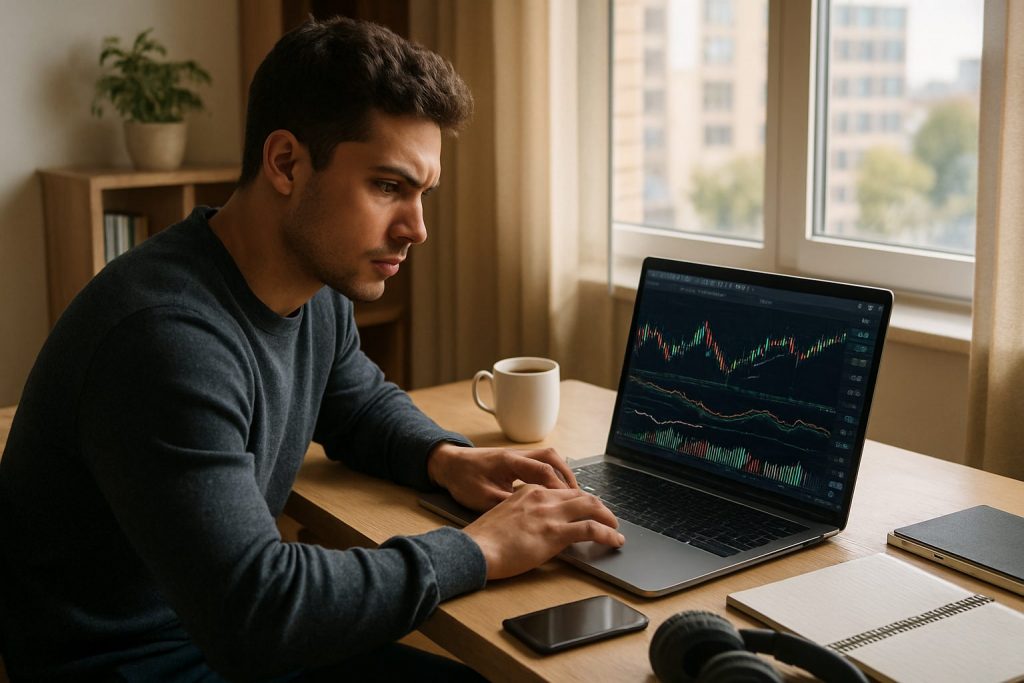
Can I day trade on a laptop? Yes — you can day trade on a laptop as long as the laptop supports your trading platform, provides stable real-time data, and sits on a reliable internet connection.
Day trading on a laptop is a practical and widespread path into the financial markets for newcomers and experienced traders who value mobility. A laptop trading setup can run the essential trading software and trading platform needed to analyze charts, execute orders, and monitor the stock market or Forex in real time. The key priorities are clear: a capable CPU and SSD, at least 16GB of RAM, a wired connection when possible, and a tested backup plan (mobile trading hotspot, UPS, and a logged-in secondary device). Start lean, master one strategy, use demo accounts on an online brokerage such as Pocket Option, Quotex, or Olymp Trade for practice, and upgrade hardware only when the workflow demands it. Below are concrete specs, network rules, practical workflows, and a compact budget guide to build a reliable laptop trading cockpit that keeps focus on execution and risk management.
Minimum laptop specs and trading software for effective day trading on a laptop
For consistent laptop trading, the machine must handle multiple applications: the trading platform, charting tools, a browser with news and scanners, and a journal. Below are the practical minimums and recommendations to avoid freezes or delays during live sessions.
- CPU: Intel Core i5 (12th gen+) or AMD Ryzen 5 (5000+).
- RAM: Minimum 16GB; 32GB recommended if using heavy indicator sets.
- Storage: SSD (NVMe preferred) — 256GB minimum, 512GB recommended.
- Display: Add an external 24–27″ monitor for more screen real estate when possible.
- OS & compatibility: Use an OS compatible with your chosen platform; web-based charting runs on most systems.
| Tier | Specs (core) | Best for | Approx. cost (new) |
|---|---|---|---|
| Starter | i5/Ryzen 5, 16GB, 256GB SSD | TradingView, browser platforms, mobile trading | $300–$600 |
| Dedicated | i7/Ryzen 7, 32GB, 512GB NVMe | Multi-chart setups, heavier desktop apps | $800–$1,200 |
| Growth | High-end CPU, 32GB+, dedicated GPU (if 3+ monitors) | Advanced order flow, many monitors | $1,500+ |
Practical notes: many traders successfully pass evaluations on modest laptops; the difference is not the laptop but the execution plan. Before upgrading, verify whether your chosen trading platform is resource-hungry and whether a second monitor or extra RAM would solve the issue.
Internet connection, latency and backup plans for laptop trading
Execution depends more on network reliability than on raw CPU benchmarks. A robust internet connection reduces slippage and ensures orders hit the book swiftly. The following practices protect positions when technology fails.
- Prefer wired Ethernet whenever possible; it reduces latency and packet loss compared to Wi‑Fi.
- Target latency under 50ms to your broker/data feed; download speed of 25–50 Mbps is usually ample.
- Backup plan: mobile hotspot, logged-in secondary device, UPS for power outages, and your broker’s phone number ready.
- Test regularly: run a speedtest during market hours and practice failover to the hotspot at least monthly.
Example checklist before each session:
- Ethernet cable connected and ping to data server checked.
- Mobile hotspot configured and broker app logged in.
- Secondary device charged and ready to execute manual orders.
Laptop trading workflow, tools and selecting an online brokerage for practice
A clear workflow keeps attention on price action and risk, not on tools. Use demo accounts to practice order entry, test your trading software, and confirm your laptop + network combination handles live conditions. Choose an online brokerage that offers reliable demo access and matches your instrument universe.
- Start demo: paper trade until consistent edge and positive expectancy are proven.
- Limit tool purchases: begin with free tiers (charting, news) and upgrade only when the tool affects edge.
- Document every trade in a journal to convert experience into repeatable rules.
Resource links and practical reading to expand knowledge (examples of deeper guides and comparisons):
- Best free platform for day trading
- Do I need real-time quotes for day trading?
- Do I need a professional platform to start day trading?
- Is TradingView good for day trading?
- Do I need Level 2 data for day trading?
- Crypto and exchange considerations
For practice, demo accounts from platforms like Pocket Option, Quotex, or Olymp Trade provide a controlled environment to learn order flow, refine risk management, and test laptop performance. Use these accounts to validate your real-time data handling and execution process before risking capital.
Common questions about day trading on a laptop
Can a laptop handle advanced trading platforms and multiple charts?
Yes, provided it meets the recommended specs (SSD, 16–32GB RAM). Heavy desktop applications with many indicators benefit from extra RAM and CPU headroom. Always test your exact platform on the laptop in a demo environment before live trading. Final insight: upgrade when your workflow, not your ego, demands it.
Is Wi‑Fi acceptable for laptop trading during live sessions?
Wi‑Fi is acceptable only as a backup. For reliable execution, prefer a wired connection. If physical wiring is impossible, invest in high-quality Wi‑Fi 6 hardware and a tested mobile hotspot as a secondary route. Final insight: wired beats wireless for predictability.
How many monitors should a laptop trader use?
Start with one, add a second external monitor when multitasking becomes disruptive. Two monitors is the sweet spot for most traders — one for execution and one for context. Final insight: more screens often mean more noise, not more profit.
What immediate steps protect a laptop trader from tech failures?
Keep a charged phone hotspot, a secondary logged-in device, a UPS, and the broker’s emergency contact. Practice switching to backup devices under time pressure to avoid surprises. Final insight: a tested failover plan is one of the highest-return safety investments.
Where to read more and specific tool comparisons?
Explore the linked guides above for platform comparisons, data requirements, and deeper tutorials. For focused reading, check the practical comparisons on the linked resources and test demo accounts to validate what works with your laptop and strategy.
Note: This content is not intended for US residents. For practice, consider demo accounts offered by Pocket Option, Quotex, or Olymp Trade to rehearse laptop trading workflows before trading live.
Further reading and related articles:
- Do all brokers allow day trading?
- Crypto day trading considerations
- Forex trading platform overview
- Beginner platform choices

With over a decade of experience navigating global financial markets, I specialize in identifying trends and managing risk as a professional trader. My passion for economics drives my daily commitment to staying ahead in this fast-paced industry. Outside of the markets, I enjoy exploring technology like cryptocurrencies and new investment strategies.