
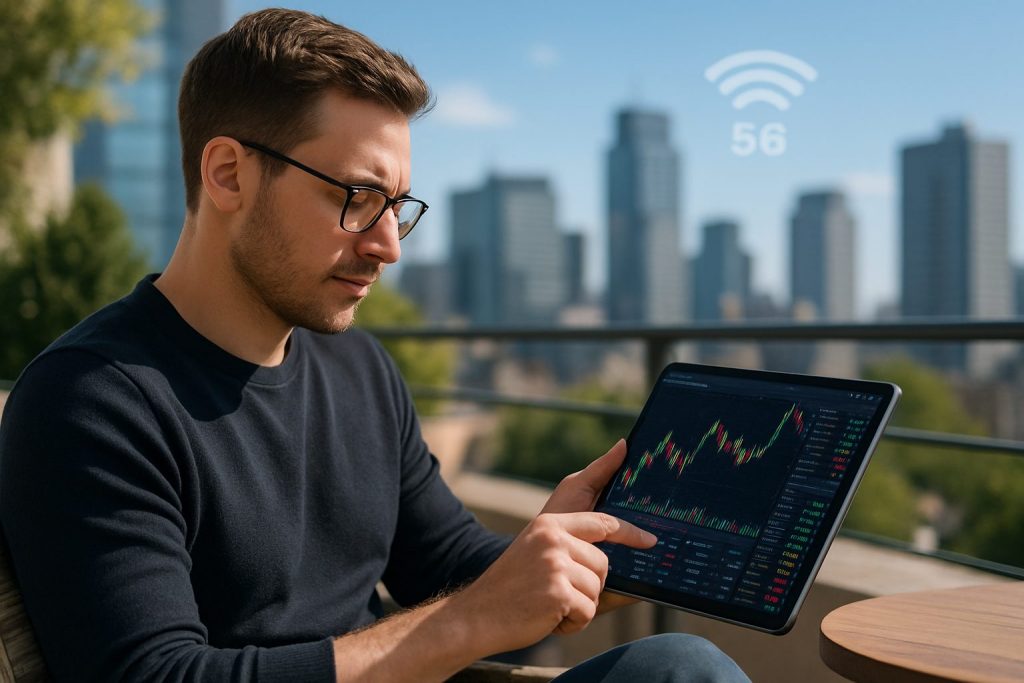
Can I day trade with mobile internet? Yes — day trading with mobile internet is possible when internet speed, mobile connectivity and app reliability deliver stable real-time data and fast execution.
Mobile internet has transformed access to the stock market and broader financial markets, allowing traders to pursue intraday moves from anywhere. Practical success depends less on the device and more on clear rules: a tested trading plan, robust investment strategies, and redundancy for outages. For a trader learning to navigate the volatility of the market, this means pairing reliable trading apps with a backup connection and disciplined risk controls. The following sections examine the technical minimums, broker and app considerations (focused on Pocket Option, Quotex, and Olymp Trade), and practical fail-safes for online trading on mobile internet. Each section offers concrete steps, real-world examples, and tools to evaluate whether a given setup is robust enough for day trading.
Minimum technical requirements for day trading on mobile internet (real-time data, latency, and speed)
Day trading requires more than a smartphone—it needs consistent real-time data, low latency and predictable internet speed. A trader called Ana tests setups before risking capital: she measures ping, watches chart updates in trading apps, and times order execution under load. These checks reveal whether a mobile connection is viable for active intraday work.
- Essential metrics to check: ping (latency), download/upload speed, and jitter.
- Target numbers: aim for ping < 100 ms for most markets; lower is better for fast scalps.
- Prefer cellular 4G LTE or 5G with consistent signal bars; avoid public Wi‑Fi for live trades.
- Always test trade execution speed in the chosen trading apps with a demo account before trading live.
| Requirement | Practical target | Why it matters |
|---|---|---|
| Ping (latency) | <100 ms (ideally <50 ms) | Lower latency reduces slippage and speeds order fills, crucial for tight intraday setups. |
| Download/Upload speed | 5–20 Mbps minimum; 50+ Mbps ideal for multi-chart setups | Ensures charts, price feeds and news stream without delays. |
| Signal stability | Consistent bars; low jitter | Prevents sudden disconnects that could leave positions unmanaged. |
| Device performance | Modern Android/iOS device with current OS | Reduces app crashes and supports advanced charting features. |
For hands-on tests and detailed guidance on alternatives like trading from a laptop or using Wi‑Fi backup, see practical resources: Can I day trade on a laptop?, How fast should my internet be for day trading? and Can I day trade with Wi‑Fi?.
Selecting trading apps and brokers for mobile online trading (Pocket Option, Quotex, Olymp Trade)
Not all trading apps are equal for day trading. The three brokers presented here offer mobile-focused platforms that deliver market access and charting. Evaluate each for execution speed, chart tools, demo availability, and risk controls. A fictional trader, Marco, uses demo accounts across all three to compare real-time data refresh and mobile notification reliability before funding a live account.
- Always use a demo account to measure order execution and chart responsiveness.
- Check that the app provides multiple order types and clear risk parameters.
- Confirm availability of push alerts and price alarms for instant market cues.
| Broker / App | Mobile strengths | What to test in demo |
|---|---|---|
| Pocket Option | Intuitive mobile interface, fast trade placement, social features | Execution speed, chart refresh, copy trading behavior |
| Quotex | Clear charts on small screens, educational signals, demo mode | Indicator responsiveness, push alerts, order types |
| Olymp Trade | Structured learning tools, consistent mobile UI, risk management tools | Stop-loss / take-profit reliability, charting tools, news feed latency |
Further practical reads to refine device choice and connectivity: Can I day trade on my phone?, Can I day trade on a Chromebook?, and Can I day trade on Linux?.
Checklist for testing an app on mobile internet
Before risking capital, run systematic checks during different network conditions and times of day. This reduces the chance of surprises in fast markets.
- Open a demo account and execute 20+ trades during peak hours.
- Measure slippage and failed orders on cellular vs. home Wi‑Fi.
- Test push notifications, chart redraw speed, and news latency.
- Simulate a disconnection and practice reconnecting and managing open positions.
Practical fail-safes, backup plans and disciplined online trading habits
Because mobile internet can be unpredictable, building redundancy into the trading routine is essential. A character example: Leila, a part-time day trader, developed a layered backup plan—automatic orders, dual SIMs, and a secondary device—so a single outage never leaves her exposed. This approach keeps risk controlled and emotions calmer in volatile moves.
- Primary backup: a second mobile connection (dual-SIM or portable hotspot).
- Secondary fallback: scheduled automatic orders (bracket orders with stop loss and take profit).
- Device backup: keep a spare phone or tablet with the apps already logged in.
- Mental rules: cap max exposure per trade and use position sizing tied to account risk.
Useful reading for backups and hardware choices: Do I need a backup computer for day trading?, Do I need high speed internet for day trading?, and Is a cheap Windows laptop good enough for day trading?.
- Operational tips: keep apps updated, enable two-factor authentication, and avoid public Wi‑Fi for live positions.
- Emotional tip: treat every mobile trade as part of a structured strategy, not a gamble.
Key insight: redundancy and rules turn a fragile mobile setup into a resilient trading system that supports consistent decision-making.
Resources and quick links to deepen setup knowledge
- Can I day trade on a laptop?
- How fast should my internet be for day trading?
- Can I day trade on my phone?
- Can I day trade on a Chromebook?
- Do I need a backup computer for day trading?
- Can I day trade with Wi‑Fi?
- Do I need a gaming PC for day trading?
- Is a cheap Windows laptop good enough for day trading?
- Do I need high speed internet for day trading?
- Can I day trade on Linux?
Frequently asked questions about day trading with mobile internet
Can mobile internet be good enough for fast intraday scalps?
Yes—if the mobile connectivity provides low latency, stable throughput and the trading app delivers rapid real-time data. Scalping requires testing during market opens and volatile sessions to confirm the connection holds under stress.
Which trading apps are reliable for mobile online trading?
Choose apps that offer demo modes, clear charting, and consistent push alerts. For the purposes of this guide, evaluate Pocket Option, Quotex and Olymp Trade on those criteria and test execution speeds before trading live.
What backup measures should be in place if mobile internet drops?
Use a layered plan: automatic bracket orders, a second SIM or hotspot, a logged-in spare device, and pre-set position sizing rules. These steps reduce the impact of sudden disconnects.
Is it safer to day trade from a phone or a laptop?
Both can work. Mobile trading excels for flexibility and quick reactions; laptops usually offer superior multi-chart layouts and redundancy options. The best practice is to know how to trade on both platforms and link them to the same demo tests and risk rules.
How important is discipline compared to connection quality?
Both matter, but discipline in investment strategies and risk management often has a larger effect on long-term outcomes than marginal improvements in connectivity. Technical reliability only amplifies an already sound process.

With over a decade of experience navigating global financial markets, I specialize in identifying trends and managing risk as a professional trader. My passion for economics drives my daily commitment to staying ahead in this fast-paced industry. Outside of the markets, I enjoy exploring technology like cryptocurrencies and new investment strategies.