
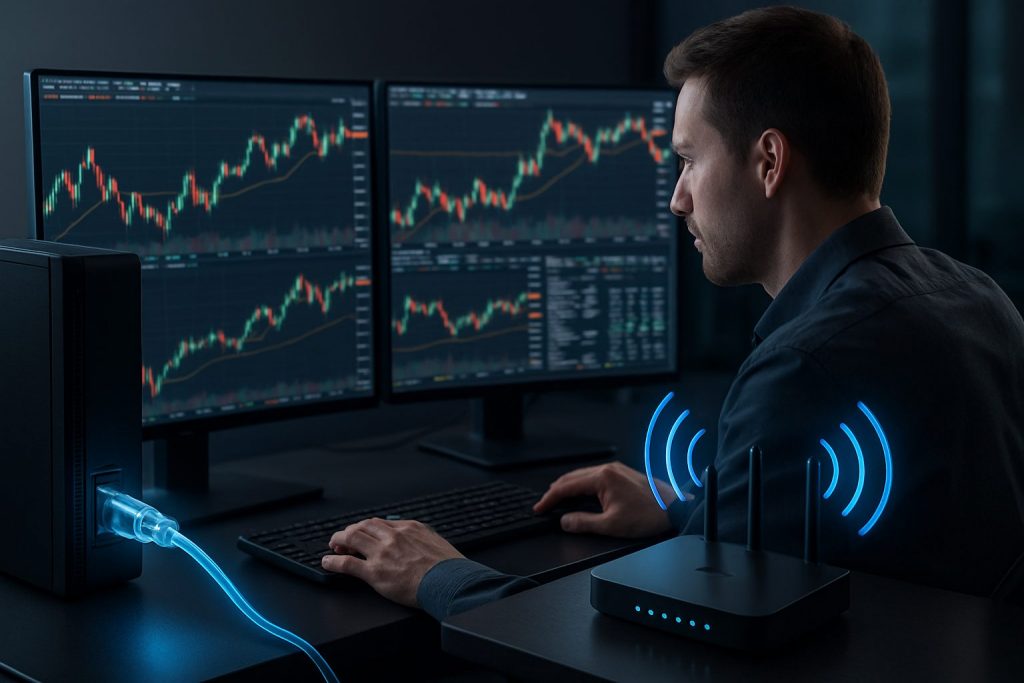
Is wired internet better than Wi‑Fi for day trading? Yes — wired internet is generally better than Wi‑Fi for day trading, because it delivers lower latency, firmer network stability, and superior connection reliability.
A concentrated look at the invisible backbone of modern financial trading: charts, order fills and live news all depend on clean data transmission. For a day trader like the fictional character Lena — a methodical retail trader working from a small home office — the difference between a steady Ethernet cable and a roaming Wi‑Fi signal is often measured in executed trades and avoided slippage. This piece explains why a wired Ethernet link usually outperforms Wi‑Fi in practical trading scenarios, how to test your internet speed and latency, and how to assemble an affordable failover plan so a single glitch doesn’t erase a trading day. Expect concrete setup steps, simple tools to measure performance, and checklists that turn technical jargon into usable habits for anyone running trading platforms at home.
Wired internet vs Wi‑Fi for day trading: speed, latency and network stability
The core technical trade‑off is simple: Wi‑Fi offers convenience; wired Ethernet offers consistency. For Lena, who uses multiple monitors and live feeds on her trading platforms, a cable cuts down jitter and reduces unexpected spikes in ping that cause slippage.
- Latency matters more than raw Mbps for order execution — even large download speeds won’t save you from high ping.
- Jitter and packet loss from Wi‑Fi can create price mismatches on fast moves.
- Ethernet reduces environmental interference (walls, other networks, appliances) that commonly afflict Wi‑Fi.
| Metric | Wired Ethernet | Wi‑Fi (typical home) |
|---|---|---|
| Latency | 5–20 ms (stable) | 15–90 ms (variable) |
| Packet loss / Jitter | Near zero | Higher and spiky |
| Reliability | High | Moderate to low depending on interference |
Practical tip: run a speed test at how fast should my internet be for day trading and note the ping — that number tells more than Mbps for traders. Key insight: stable latency beats headline download speed every time.
Practical setup for reliable trading: wired internet, backups and hardware
A simple, repeatable setup transforms the abstract idea of “better connection” into concrete protections. Lena’s checklist evolved from a single‑line ISP to a layered approach that keeps positions controllable during outages.
- Primary: wired Ethernet from router to trading PC using Cat5e/Cat6 cable for minimal latency.
- Backup 1: phone hotspot (4G/5G) for instant failover during ISP dropouts.
- Backup 2: secondary ISP or dedicated 5G home internet routed through a dual‑WAN or travel router for automatic switching.
- Power protection: small UPS for modem/router to survive short outages.
| Layer | Why it helps | Cost |
|---|---|---|
| Ethernet cable | Stable low latency link | Under $20 |
| Phone hotspot | Immediate manual backup | Existing phone plan or |
| Dual‑WAN router | Automatic failover | $100–$300 |
For guidance on device choices and whether a laptop vs desktop matters for a wired setup, see resources on whether to trade on a laptop, desktop, or other devices: can I day trade on a laptop, do I need a desktop PC to day trade, and do I need a backup computer for day trading.
Final setup insight: the cheapest effective upgrade is a direct Ethernet cable + tested phone hotspot; automation (dual‑WAN) reduces emotion during outages.
Testing, metrics and ongoing checks for trading platforms and connection health
Testing turns assumptions into actionable numbers. Regular checks reveal whether the trading environment stays robust under market stress — when latency and data transmission demands spike.
- Run speed tests (look at ping, jitter, and packet loss) at different times of day.
- Simulate platform loads: open multiple charts, news feeds, and a video call to see real impact on internet speed.
- Log incidents: note time, duration, and whether hotspot or secondary ISP solved it.
| Test | What to watch | Acceptable trader target |
|---|---|---|
| Ping (latency) | Consistency and average ms | <60 ms (ideally <20 ms) |
| Jitter | Variability of ping | <10 ms preferred |
| Packet loss | Lost packets during bursts | 0%–0.5% |
For guidance on whether Wi‑Fi alone can suffice or other hardware choices, read about trading on Wi‑Fi and various devices at can I day trade with Wi-Fi, can I day trade on a Chromebook, and is a cheap Windows laptop good enough for day trading.
Testing insight: measure at market open and news events — those are the moments when latency and jitter matter most for execution quality.
Quick decision guide: when to use wired internet and when Wi‑Fi is acceptable
Not every trader needs a fiber line and enterprise gear. The decision depends on style: scalpers and high‑frequency manual traders need rock‑solid wired links; casual intraday traders may accept high‑quality Wi‑Fi with precautions.
- Scalpers and high-frequency manual traders: Always use wired internet and a backup ISP.
- Active day traders (multiple trades/day): Prefer wired Ethernet; at minimum, ensure a tested hotspot and UPS.
- Part-time traders and swing traders: High‑end Wi‑Fi (Wi‑Fi 6/6E) close to the router can be acceptable.
| Trader type | Recommended connection | Must‑have backup |
|---|---|---|
| Scalper | Wired fiber or cable | Dual‑WAN + UPS |
| Active day trader | Wired preferred, Wi‑Fi acceptable if local conditions are excellent | Phone hotspot |
| Swing trader | Wi‑Fi fine | Occasional hotspot |
For more context on platform responsiveness and broker execution, compare guidance on brokers and execution speed at which broker has the fastest execution speed.
Decision insight: match infrastructure to trading tempo — faster trading demands a wired, low‑latency foundation.
Short checklist before market open
- Plug the trading machine into a wired internet connection and confirm ping <60 ms.
- Verify the hotspot is enabled and can log in quickly.
- Ensure modem/router firmware is updated and UPS is charged.
- Keep the broker’s support phone and account verification ready in case of emergency order placement.
Operational insight: routine pre-market checks reduce the chance that a technical glitch becomes a trading loss.
Questions traders often ask about wired internet, Wi‑Fi and day trading
Does a faster internet plan (more Mbps) always improve trading?
More Mbps helps when multiple streams consume bandwidth, but for most traders latency and packet stability are the critical metrics. A 100 Mbps connection with stable 10–20 ms ping is preferable to a 500 Mbps link with spiky 100 ms delays.
Can Wi‑Fi ever be good enough for day trading?
Yes — when it is very high quality (Wi‑Fi 6/6E), the router is close, and interference is minimal. However, Wi‑Fi often introduces jitter. If using Wi‑Fi, pair it with a ready phone hotspot or a powerline adapter as a midway improvement. See the practical comparison in can I day trade with Wi‑Fi.
What is an acceptable latency target for day trading?
Aim for under 60 ms for general day trading and under 20 ms for the most latency‑sensitive setups. Track jitter and packet loss as part of this measurement.
Is a laptop enough if connected via Ethernet?
A modern laptop on a wired connection can be perfectly adequate. For hardware guidance see resources on trading devices: can I day trade on a laptop and do I need a gaming PC for day trading.
How should traders prepare for an ISP outage during a trading session?
Prepare a layered failover plan: phone hotspot ready, a secondary ISP or dedicated hotspot device, and a router that supports dual‑WAN if automation is desired. Keep a UPS for modem/router power continuity and the broker’s trade desk contact accessible. Helpful reading on backup hardware is at do I need a backup computer for day trading.

With over a decade of experience navigating global financial markets, I specialize in identifying trends and managing risk as a professional trader. My passion for economics drives my daily commitment to staying ahead in this fast-paced industry. Outside of the markets, I enjoy exploring technology like cryptocurrencies and new investment strategies.